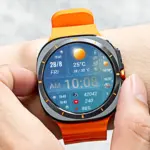
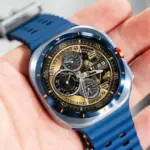
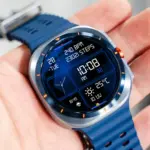
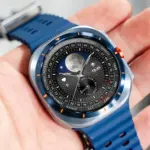
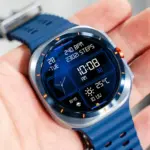
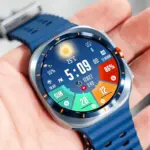
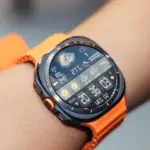
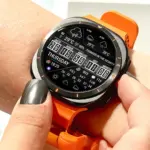
Samsung’s Galaxy Watch line uses Super AMOLED panels, and that display technology changes how a weather watch face should be designed and configured. Deep blacks, high peak brightness, and saturated colors make multicolor weather icons easier to read in direct sun — if the face is set up to take advantage of them. N-SPORT 745 is a digital face built for Wear OS 5.0 (API 34+) that puts fifteen dynamic weather icons, rain probability, and UV index onto that AMOLED canvas.
What the Face Delivers
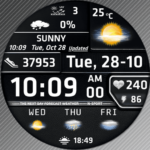
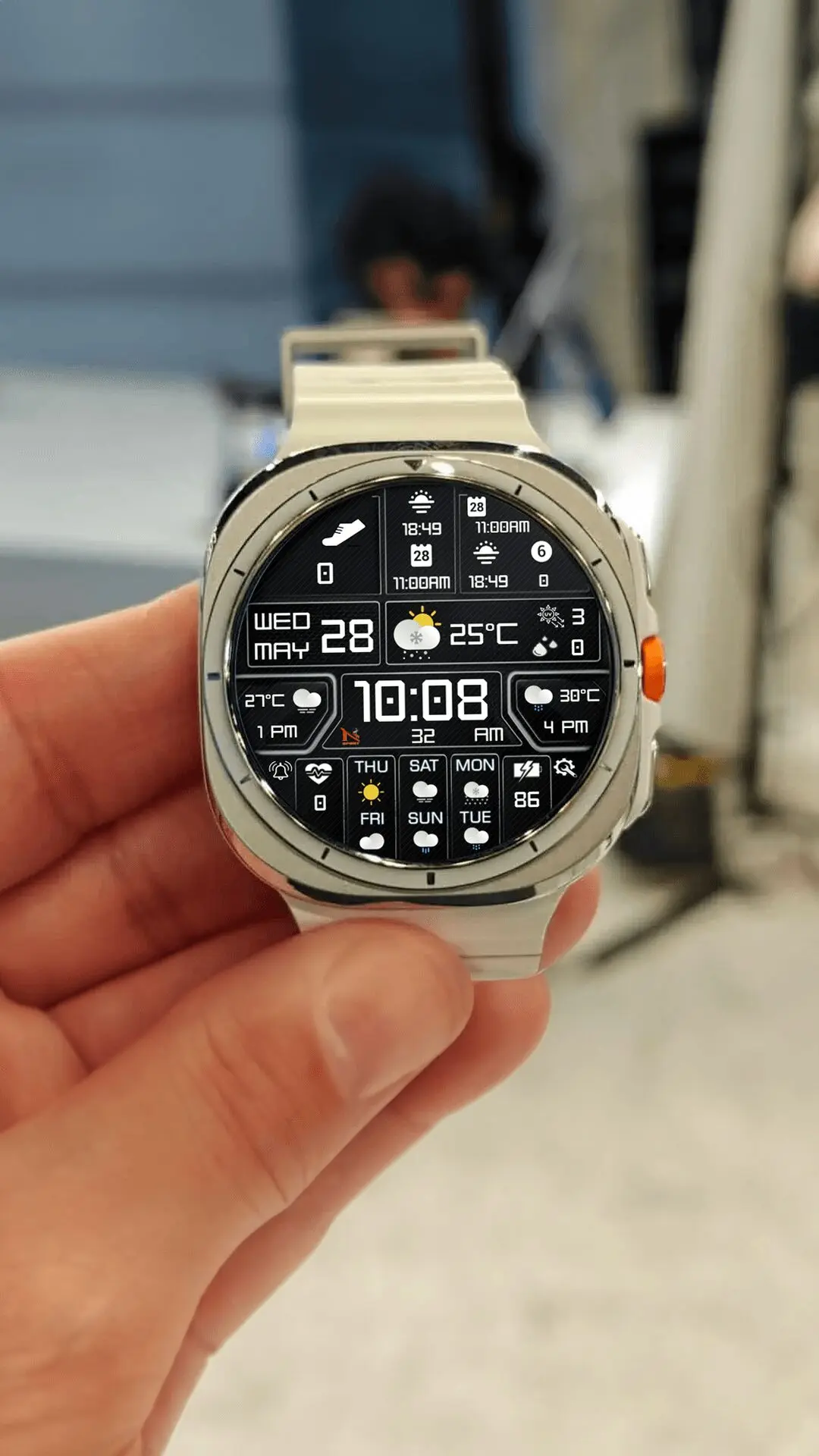
The official Google Play description for com.watchfacestudio.n_sport745 lists: 12H/24H digital time, 15 dynamic weather icons, UV Index display, Chance of Rain (%), current temperature, next 3 hours / 6 hours / weekly forecasts, five customizable complication slots, ten custom backgrounds, ten color options, two app shortcuts, Health info (Heart rate, Step counter), day/date/battery percentage, and Always-On Display support.
Making AMOLED Work for You
On an AMOLED panel, black pixels are off, not lit. That is why the choice among the ten custom backgrounds matters more here than on an LCD watch: a dark background with the ten color options set to a bright accent gives the rain percentage and UV figure maximum contrast against an unlit field. When configuring, compare two or three combinations under actual sunlight — the small UV readout is the first element to wash out, so treat it as your legibility benchmark rather than the large time digits.
Setup on Wear OS 5.0
Install the face from Google Play on a watch meeting the Wear OS 5.0 / API 34+ requirement, then approve the location permission so rain and UV data can resolve for your region. Long-press the face to enter customization. The listing describes five customizable complication slots plus two app shortcuts; the description does not state which slots accept which data sources or whether the shortcuts are remappable, so confirm both on your own watch’s customize screen instead of assuming a fixed assignment.
Always-On Display Considerations
AOD support is listed, and on AMOLED the always-on state is where power efficiency is decided — lit pixels draw power, dark ones do not. The Play listing does not describe the exact ambient-mode layout, so enable AOD once, let the watch dim, and confirm which readouts persist before treating the dimmed display as your outdoor glance source.
Reading the Forecast at a Glance
Once configured, the face answers two questions every time you look down: the Chance of Rain percentage tells you whether the next few hours are wet, and the UV Index tells you how hard the sun is working right now. The 3-hour and 6-hour forecast windows add trajectory — a rain value that climbs across both windows means the shower is approaching, not passing. That trajectory view is the part a single phone-app number never shows you in one glance.
Where This Fits
Galaxy Watch owners who spend real time outside benefit most when weather data is ambient information rather than an app destination. N-SPORT 745 turns the AMOLED screen into exactly that: rain chance, UV index, three forecast horizons, and health stats in one digital arrangement, readable at the angles AMOLED handles best. Details and the download link are on the product page.