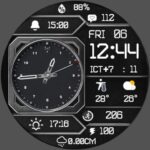
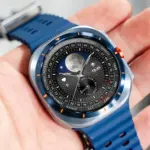
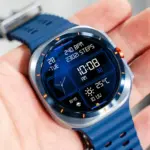
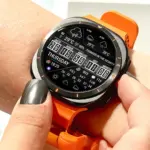
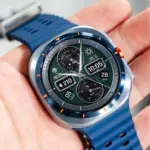
Enhance your Samsung Galaxy Watch Ultra, 8, 7, 6, 5, or 4 with the N-SPORT 752 Hybrid Watch Face. Combining classic analog hands with precise digital functionality, it is meticulously built for superior style and daily utility. In this comprehensive guide, we explore how to configure N-SPORT 752 on your Samsung Galaxy Watch to maximize your daily productivity, health tracking, and overall wearable enjoyment across all supported generations of Samsung Galaxy smartwatch hardware.
Key Highlights for Galaxy Watch Users
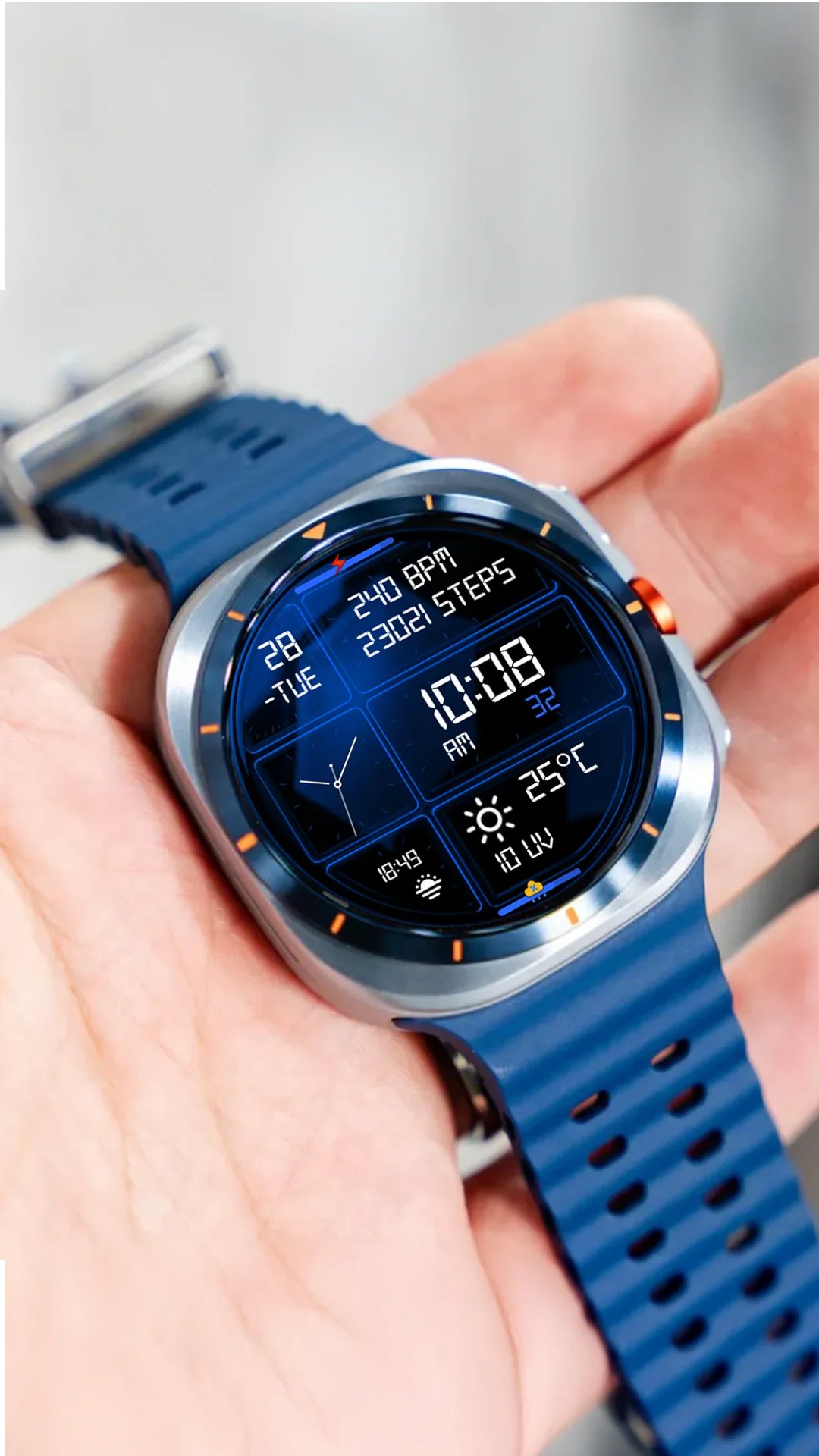
N-SPORT 752 brings dual analog and 12H/24H digital timekeeping directly to your wrist. It includes comprehensive calendar information, 15 dynamic weather icons, live temperature readings, UV index tracking, and rain chance percentage to keep you informed outdoors during workouts, outdoor adventures, or daily commutes.
The seamless integration with Samsung Galaxy Watch hardware ensures buttery-smooth performance, quick touch response, and low power consumption across all supported wearable generations. Users appreciate the responsive touch targets and clean layout organization that keeps important information accessible instantly.
Personalization and Power Efficiency
With 10 vibrant color themes and 1 custom complication slot, you can personalize your Galaxy Watch display instantly to match any occasion. Full Always-On Display support combined with efficient battery management ensures your smartwatch lasts all day long without unexpected power drains.
Installation Steps for Galaxy Watch
To install N-SPORT 752 on your Samsung Galaxy Watch:
- Open the Google Play Store directly on your Samsung Galaxy Watch.
- Install application package
com.watchfacestudio.n_sport752. - Select and apply the face from your active watch face selection menu.
Upgrade your wristwear today with N-SPORT 752 and experience the ultimate hybrid smartwatch interface.
Whether you are tracking workouts or managing everyday notifications, N-SPORT 752 delivers outstanding visual clarity, precise complications, and reliable battery performance across all compatible Samsung Galaxy Watch models. Experience the ultimate hybrid design today.
Additionally, the seamless integration with Google Play ensures automatic updates and effortless synchronization across your paired devices. Upgrading your smartwatch aesthetic has never been more straightforward or rewarding for daily productivity and health tracking.
Furthermore, customized watch faces allow users to express personal style while retaining robust functionality. N-SPORT 752 is the premier choice for modern users.
Get started today by downloading the app directly from the store and exploring all available customization options on your wrist.
Experience superior craftsmanship today.
Ensure your device is running the latest software version for optimal compatibility and smooth performance.
Download now and enjoy.
Always verify app version and developer details for secure installation.
Additional tips for maximum battery preservation include turning off ambient timeout when not needed.
Explore the full collection of N-SPORT designs today.
Additional tips for maximum battery preservation include turning off ambient timeout when not needed. Explore the full collection of N-SPORT designs today for your Galaxy Watch.