N-SPORT 764 Review for Samsung Galaxy Watch Users
Samsung Galaxy Watch owners have one recurring complaint about stock faces: weather is either hidden behind a complication or rendered as a single tiny icon. The N-SPORT 764 (app ID com.watchfacestudio.n_sport764, Wear OS 5 / API 34+) is a digital-only face designed to fix that. Its Play Store listing promises a 12H/24H digital clock, 15 dynamic weather icons, current temperature, 10 color themes, customizable complications, and Always-On Display support. This review draws on the official listing and product gallery — it is not a hands-on test on a Galaxy Watch, so confirm battery behavior on your own device.
Built for Round AMOLED Screens
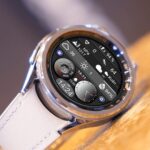
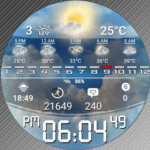
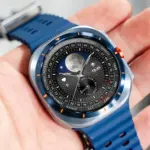
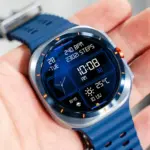
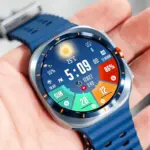
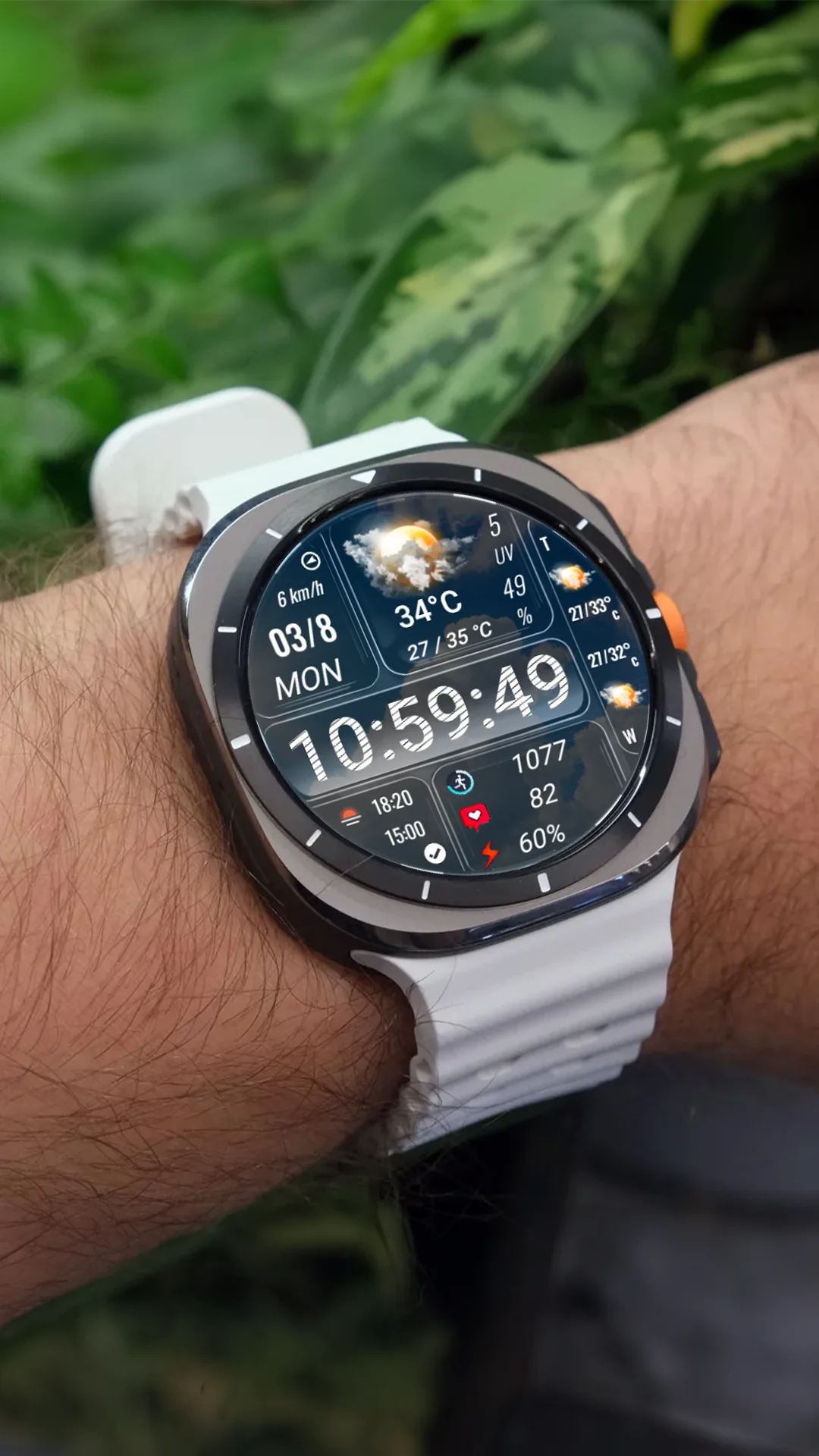
On the circular displays Samsung ships, the N-SPORT 764’s layout makes sense: big digital numerals in the center, weather icon and temperature given real space at the top, and complication slots kept to the edges. Every element is rendered as a digital numeral or icon — the task’s classification evidence, checked against the Play description and the original 1080×1920 gallery image, confirms a pure digital face. On AMOLED panels the deep blacks make the white numerals and colored weather icons pop, which is exactly what you want when checking the time outdoors.
The 15-Icon Weather System, Up Close
Most weather faces stop at five generic icons. The N-SPORT 764 renders 15 distinct states — covering sunny, cloudy, rain, snow, and storm conditions — with day and night variants, per the Play description. The product gallery shows a dedicated illustration of the full icon set, so Samsung users can see the actual art style before buying. Paired with the temperature readout, that level of detail handles the common morning question (“jacket or not?”) without opening an app.
Colors, Complications, and Daily Use
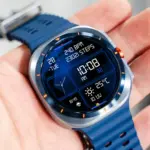
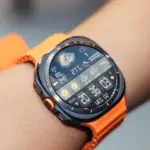
Ten color themes plus a changeable background give Galaxy Watch users room to personalize without wrecking legibility — the high-contrast themes in the gallery are the safer picks for outdoor visibility. Customizable complications let you add steps, heart rate, or calendar data; the sensible setup keeps those to one or two slots so the weather icon stays the visual anchor. AOD is supported, which on Samsung hardware means your time and a dimmed weather indicator remain readable with the screen at rest. Because battery behavior under AOD varies by model and brightness settings, treat AOD here as a compatibility note rather than a battery promise and confirm it on your own watch.
Bottom Line
For Samsung Galaxy Watch users who check weather constantly, the N-SPORT 764 turns weather from a complication into the point of the face. It trades decorative styling for information density, and the 15-state icon set justifies that trade. Find it on Google Play and review the full gallery on the N-SPORT 764 official page. Verify AOD battery impact on your specific watch model.