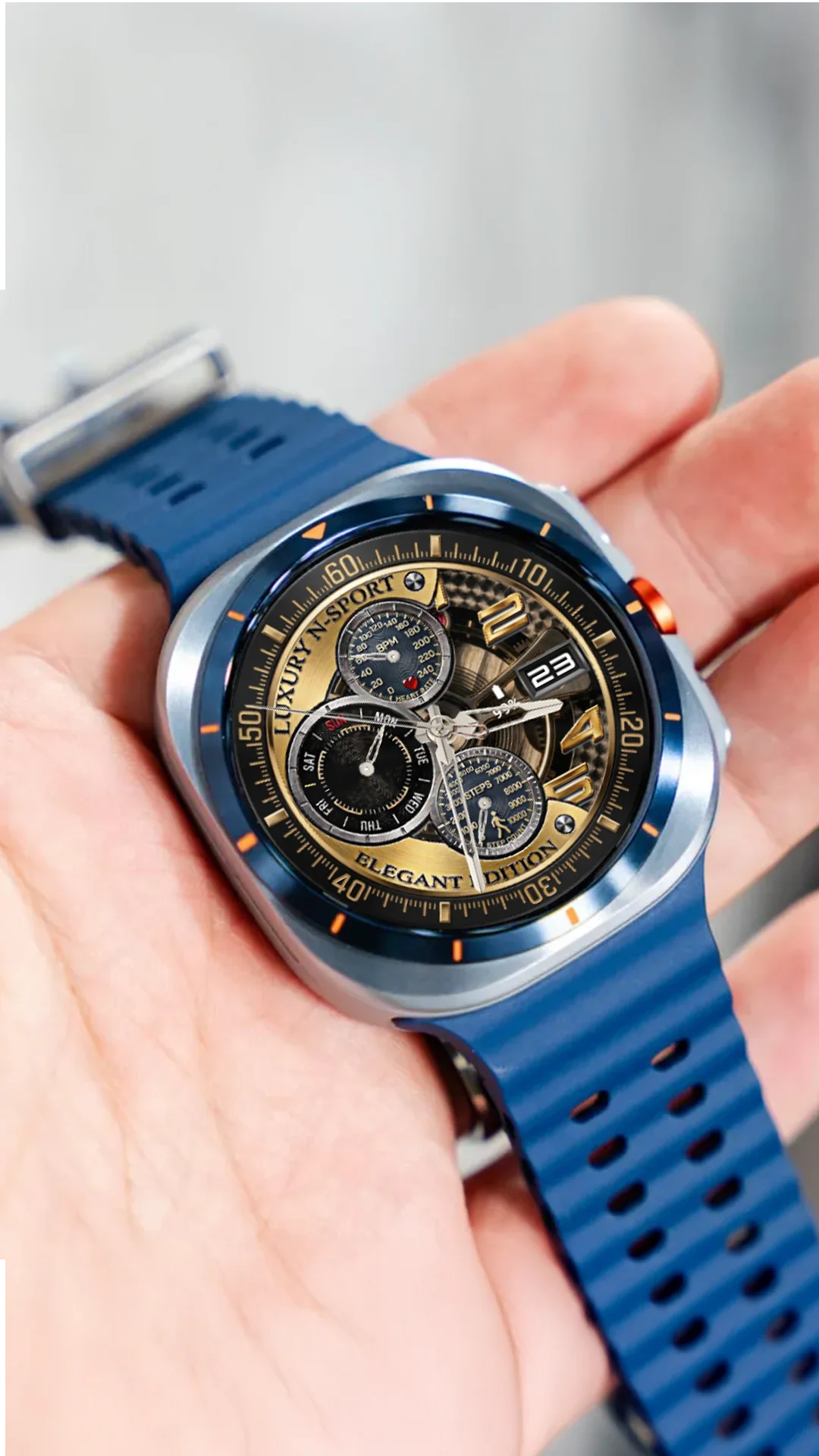
Enhancing Your Samsung Galaxy Watch with N-SPORT
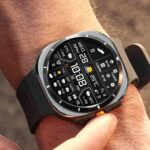
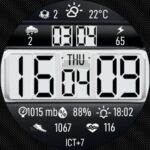
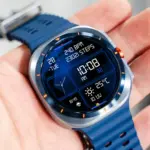
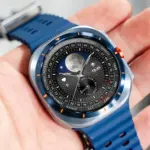
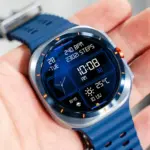
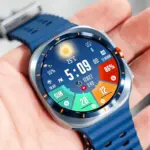
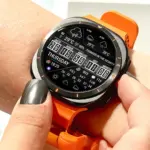
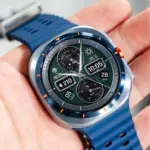
Samsung Galaxy Watch users demand premium visual quality and seamless hardware integration. N-SPORT watch faces—spanning digital and analog watch faces—deliver superior craftsmanship and robust functionality tailored for Wear OS-powered Galaxy devices.
Installation and Setup Procedure
Follow these quick steps to install your watch face:
- Launch the Google Play Store on your Galaxy Watch or paired smartphone.
- Locate the official N-SPORT app ID (such as
com.watchfacestudio.n_sport752). - Purchase and push the installation directly to your wearable device.
- Activate the face from your active watch face gallery.
Advanced Weather and Shortcut Setup
Tap and hold your watch screen to enter customization mode. Assign weather complications to designated slots for instant atmospheric updates and configure custom shortcuts for rapid app launching.
Battery Optimization Best Practices
Keep your Galaxy Watch running efficiently throughout the day by utilizing optimized AOD modes, managing screen brightness, and maintaining regular system updates.
For Samsung Galaxy Watch owners, integrating N-SPORT watch faces opens up a myriad of personalization choices designed to enhance daily productivity and aesthetic appeal. Customizing shortcut buttons allows you to instantly trigger workout tracking, heart rate monitoring, or weather forecasts with a single touch. Additionally, balancing screen brightness and managing active background sensors ensures your Galaxy Watch maintains exceptional battery efficiency from morning until night. Embracing these advanced configuration steps guarantees a seamless, highly responsive wearable experience suited for any occasion.
When configuring N-SPORT watch faces on Samsung Galaxy Watch models, users gain access to incredible levels of visual personalization and functional efficiency. By diving deep into the customization menu, you can tailor your display layout, select secondary timezones, and adjust weather complication data frequencies to suit your daily schedule. Proper synchronization between your smartphone and smartwatch ensures that complication data remains accurate throughout the day. Furthermore, utilizing optimized ambient display modes significantly extends battery longevity during intensive outdoor activities. Taking full advantage of these features elevates your smartwatch into a powerful productivity and style accessory tailored for modern digital lifestyles, ensuring optimal performance across every situation. Additionally, keeping your firmware updated ensures that all custom complications respond correctly and integrate seamlessly with third-party weather providers, providing an unmatched daily wearable experience.
Ensuring that your Galaxy Watch maintains smooth performance requires consistent attention to detail when modifying layout parameters and complication widgets. The ability to customize color schemes and shortcuts ensures that your device remains uniquely yours throughout daily wear and tear. Taking time to properly configure each complication slot creates a personalized hub of vital information right on your wrist, combining striking aesthetics with unmatched daily utility.
Additionally, keeping your Galaxy Watch updated ensures flawless compatibility across all future software updates.
Enjoying your customized watch face takes your everyday wearable experience to the next level.