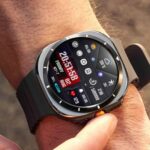
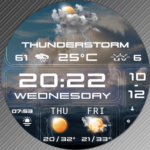
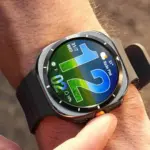
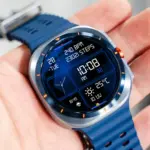
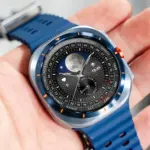
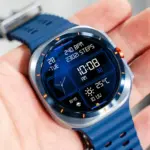
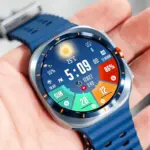
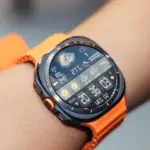
Samsung Galaxy Watch smartwatches feature vibrant Super AMOLED displays renowned for infinite contrast ratios, deep black levels, and exceptional pixel density. When configuring a digital watch face packed with multiple data widgets, leveraging this display technology is crucial for visual clarity and aesthetic elegance. The N-SPORT 680 Watch Face delivers 8 customizable complication slots alongside a bold digital 12H/24H clock, engineered specifically to maximize AMOLED screen contrast without visual clutter.
Leveraging AMOLED Contrast with 10 Colors and 10 Backgrounds
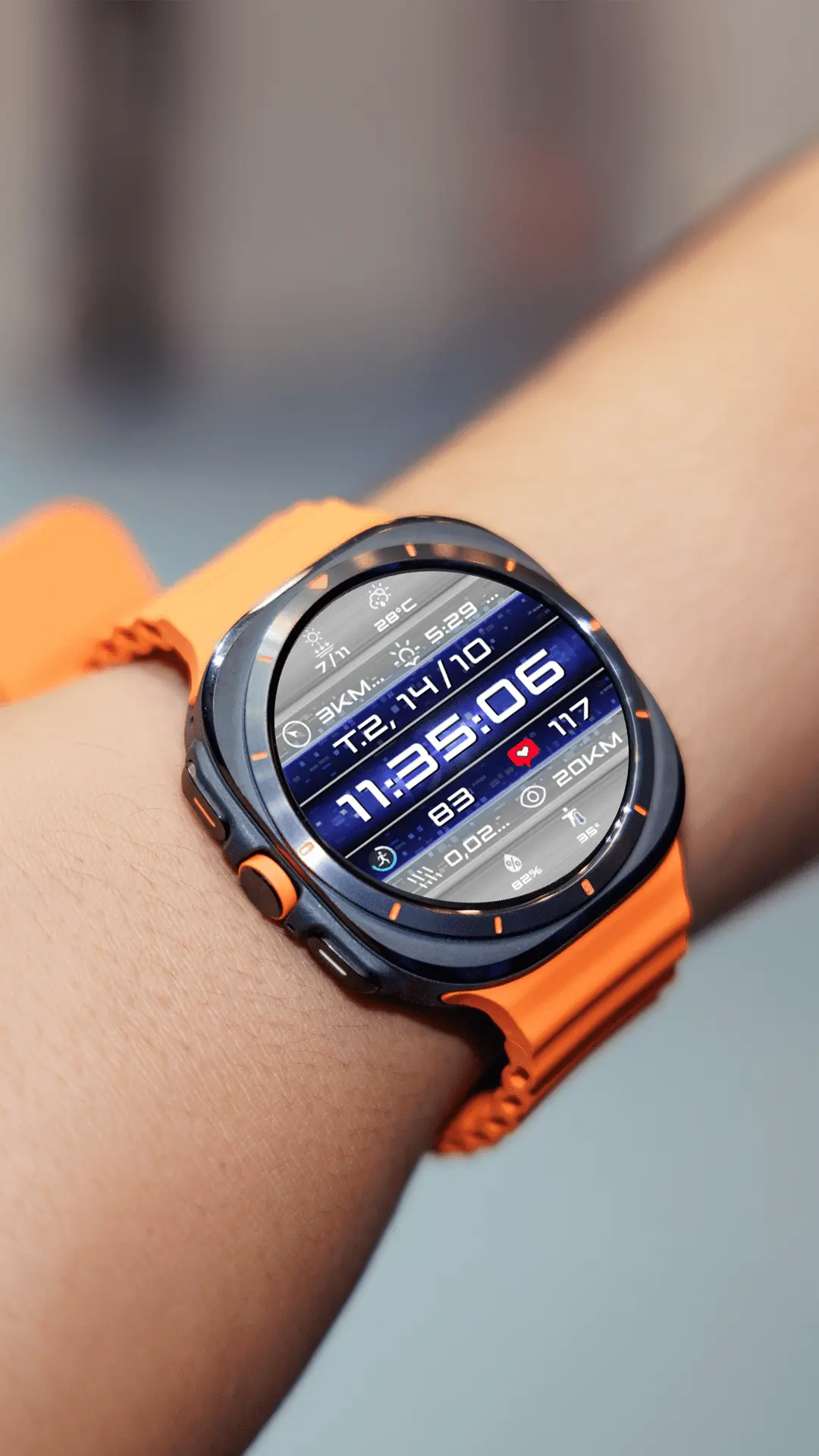
Displaying 8 separate complication widgets simultaneously can look overwhelming if colors clash or background textures lack sufficient contrast. N-SPORT 680 includes 10 custom backgrounds and 10 distinct color themes, allowing Samsung Galaxy Watch owners to create tailored visual contrast for any scenario:
- True Black Background Presets: Selecting pure dark backgrounds turns off individual OLED pixels, boosting contrast for small complication icons while significantly reducing power consumption.
- Targeted Color Theme Accents: Applying vibrant cyan, energetic orange, or crisp white color themes highlights crucial data like real-time heart rate and step counter figures against dark dial segments.
- Integrated Day and Date Indicators: Built-in date and day readouts maintain razor-sharp legibility alongside your 8 custom data fields.
- Versatile Style Customization: Switching between textured and clean minimal backgrounds lets you adapt the watch face from athletic workouts to formal business settings in seconds.
Customizing Your 8-Slot Layout via Galaxy Wearable
Samsung Galaxy Watch users can easily configure all 8 complication slots directly on their smartwatch screen or through the intuitive Galaxy Wearable companion app on their paired Samsung smartphone:
- Step 1: Open the Galaxy Wearable app on your phone, select Watch faces, and tap Customize under N-SPORT 680.
- Step 2: Assign Samsung Health complications (such as real-time heart rate and daily steps) to the prominent lateral slots for quick health status checks.
- Step 3: Place environmental data (weather conditions, UV index, sunrise/sunset) in the top arc and system utilities (watch battery status, quick app shortcuts) in the bottom sector.
Maximizing Daily Performance and AMOLED Battery Efficiency
High information density on OLED panels requires efficient graphical rendering to prevent unnecessary power draw. By combining dark background presets with static complication providers like daily calendar events and battery level indicators, you minimize pixel refresh overhead. When paired with Samsung Health background monitoring, N-SPORT 680 maintains a steady update rhythm without triggering continuous display wake cycles.
Power-Efficient Always-On Display (AOD) on Wear OS
Engineered for Wear OS smartwatches with API Level 33+, N-SPORT 680 includes an optimized Always-On Display mode. Ambient mode dims decorative dial elements while maintaining crisp digital time numerals and essential complication readouts, keeping your Galaxy Watch functional throughout the day without unnecessary battery drain. By pairing true black backgrounds with high-efficiency ambient rendering, you get maximum data accessibility with minimal OLED overhead.
Get the N-SPORT 680 on Google Play to personalize your Galaxy Watch layout today.